CPU A
Ultimate Device Info.
Update Log >
•
- Implemented Device Diagnostics test
- Improved Mobile Network State Detection
- Implemented High level Precision Tracking
- Improved CPU/GPU Detection Accuracy
- Fixed Older Device Support Issue
- UI Polish/Improved stability across all devices
- Fixed major bugs more

About the App
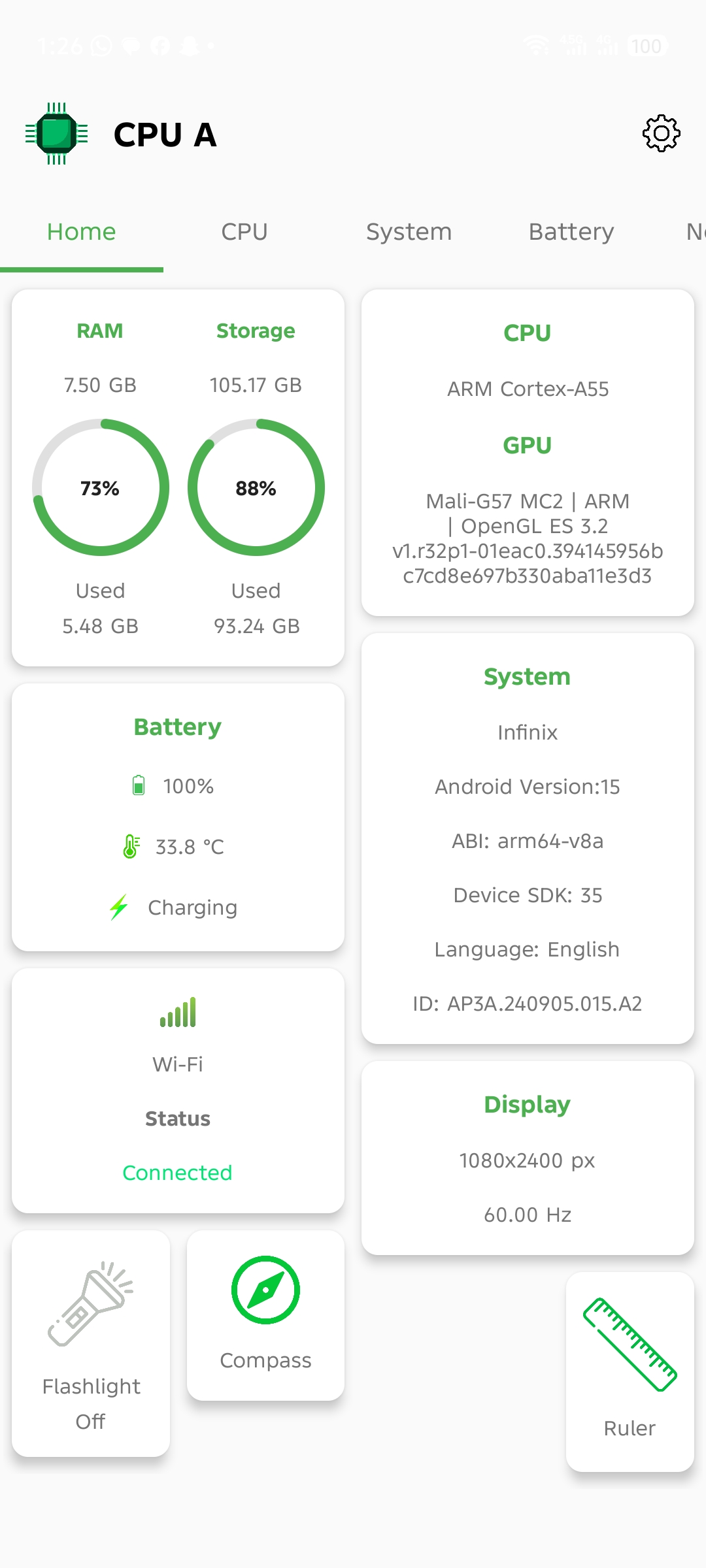
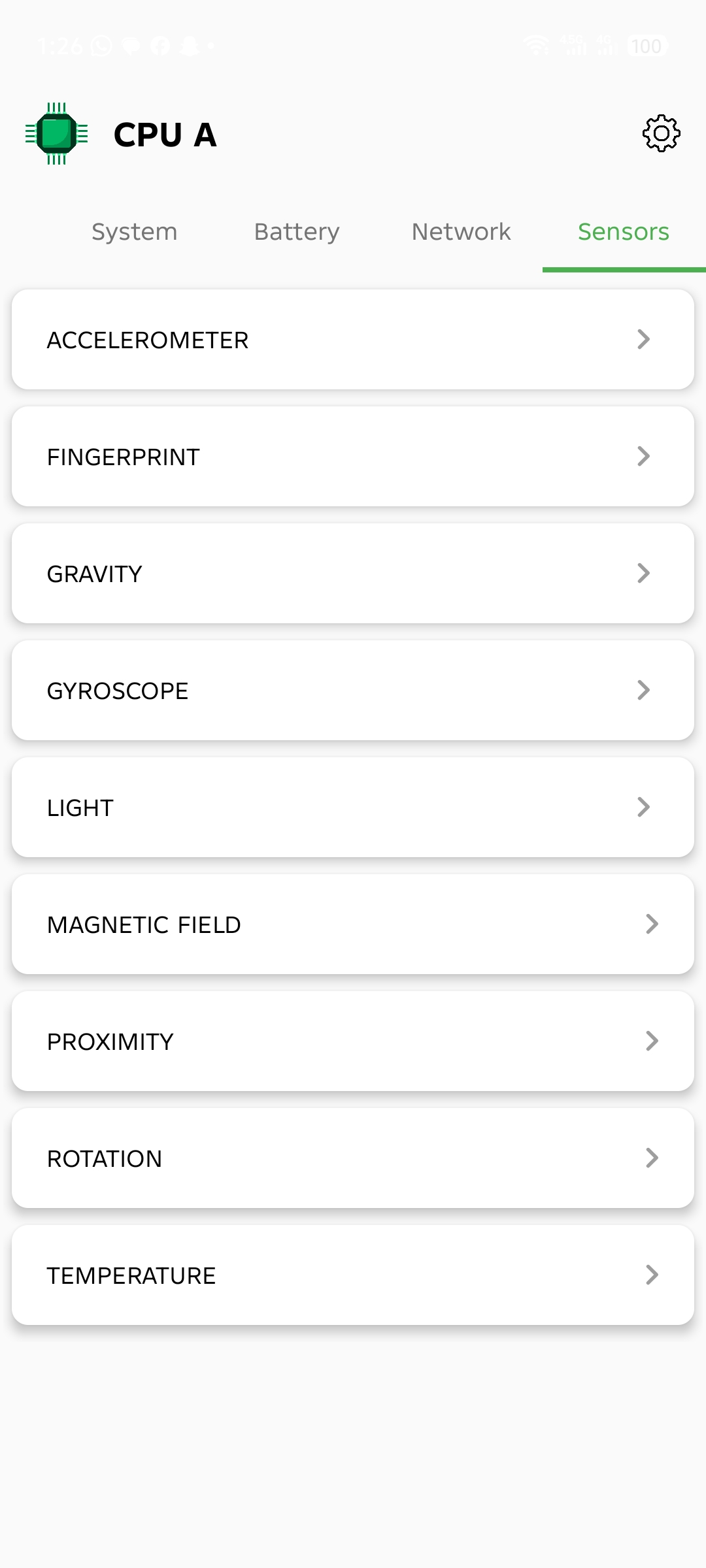
CPU A provides deep, real-time insights into your Android device. Check your hardware version, RAM usage, model numbers, and internal storage at a glance. Built with performance in mind, it's the perfect tool for monitoring your system's health and specifications.
🔍 Core Features
🧠 CPU & GPU Information
Access in-depth processor and graphics details, including:
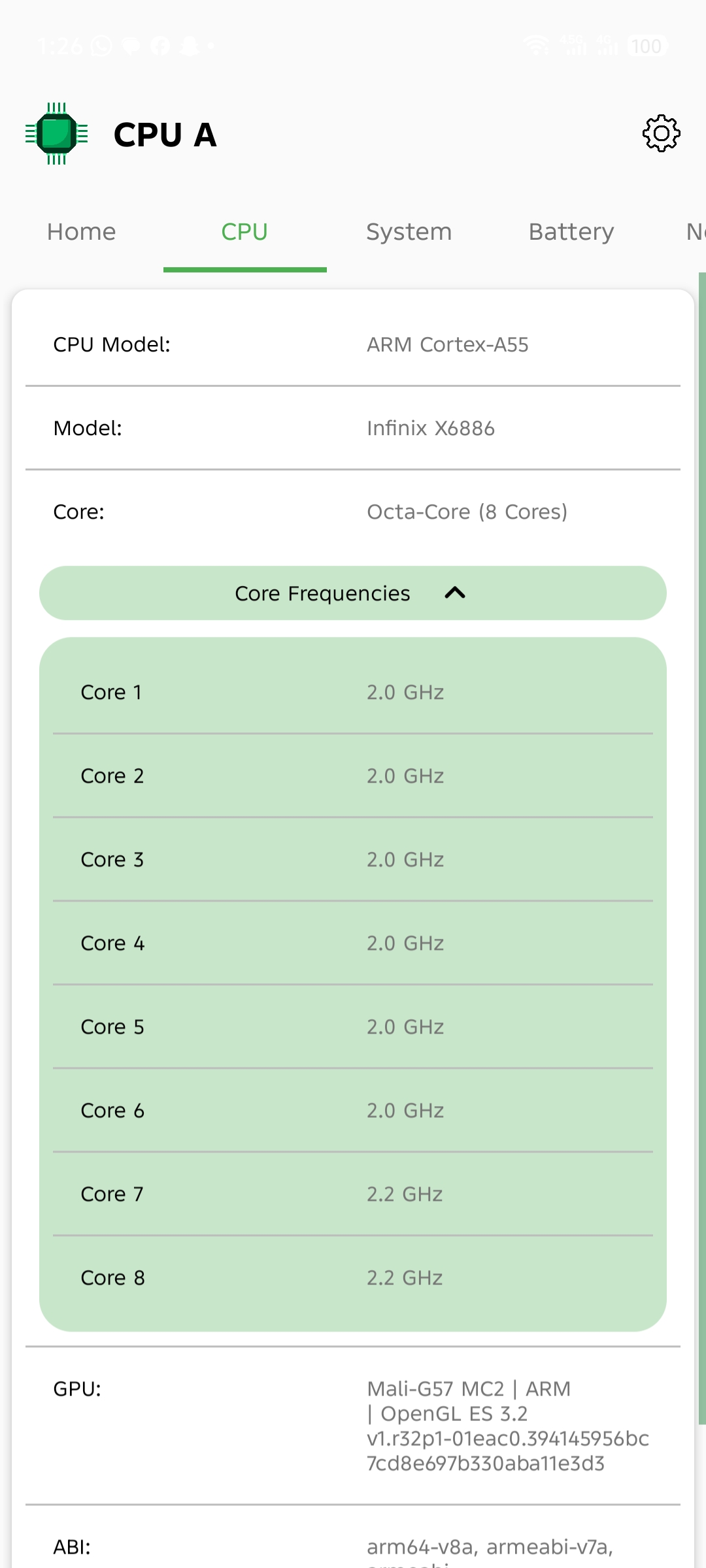
- CPU architecture and core layout
- Supported clock frequencies
- GPU model and rendering information
📱 Device Overview
View essential hardware and system data at a glance:
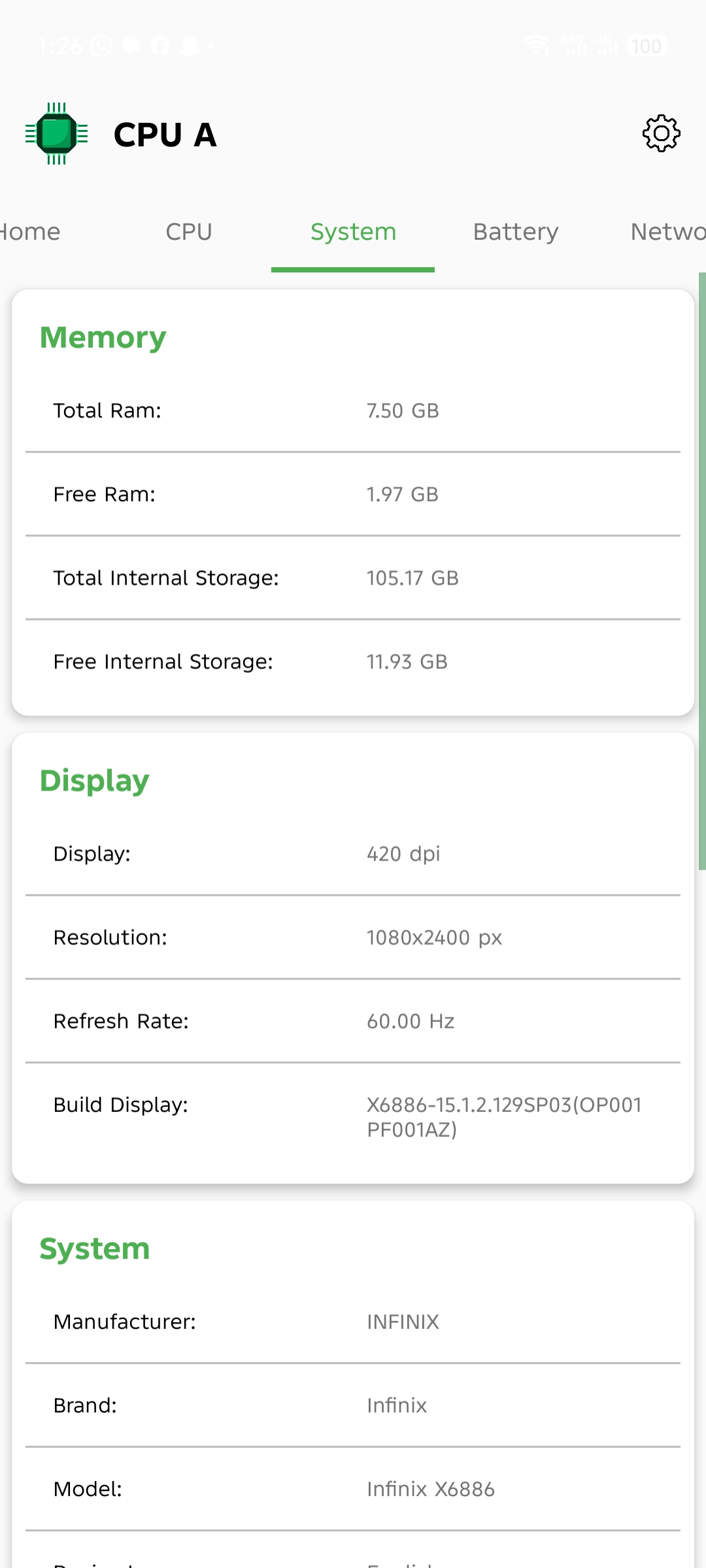
- Device model and manufacturer
- RAM and internal storage details
- Display resolution and screen density
- Supported hardware features
⚙️ System & Build Information
Get a complete view of your system configuration:
- Android version and SDK level
- Security patch status
- Build number and device fingerprint
♻️ Optimized Performance
CPU A is designed to be lightweight, responsive, and efficient—delivering accurate information without unnecessary overhead.
🚀 Continuous Improvements & Enhancements
CPU A is actively evolving, with ongoing updates focused on performance optimization, expanded hardware analysis, and improved usability.
Planned enhancements include:
- Real-time CPU frequency monitoring
- Advanced battery health and charging insights
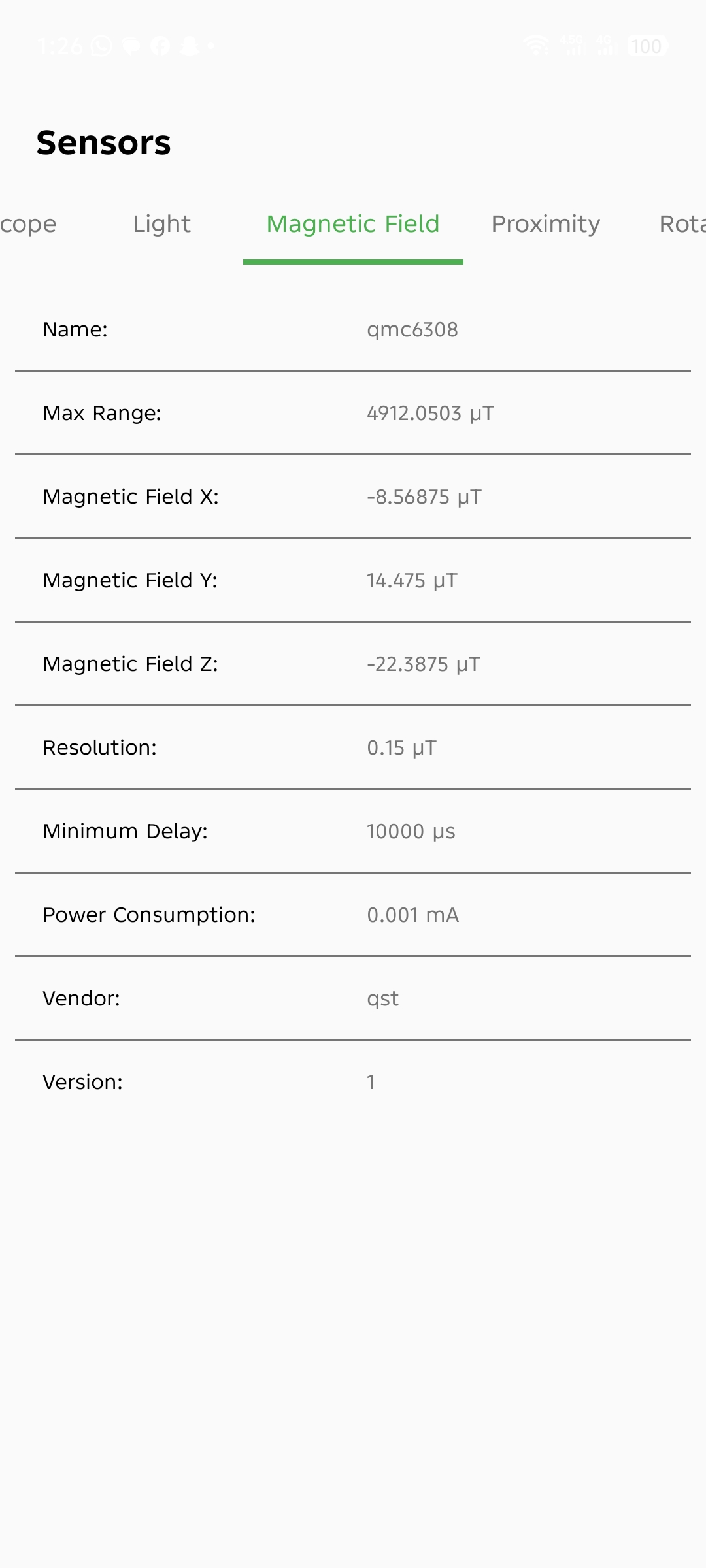
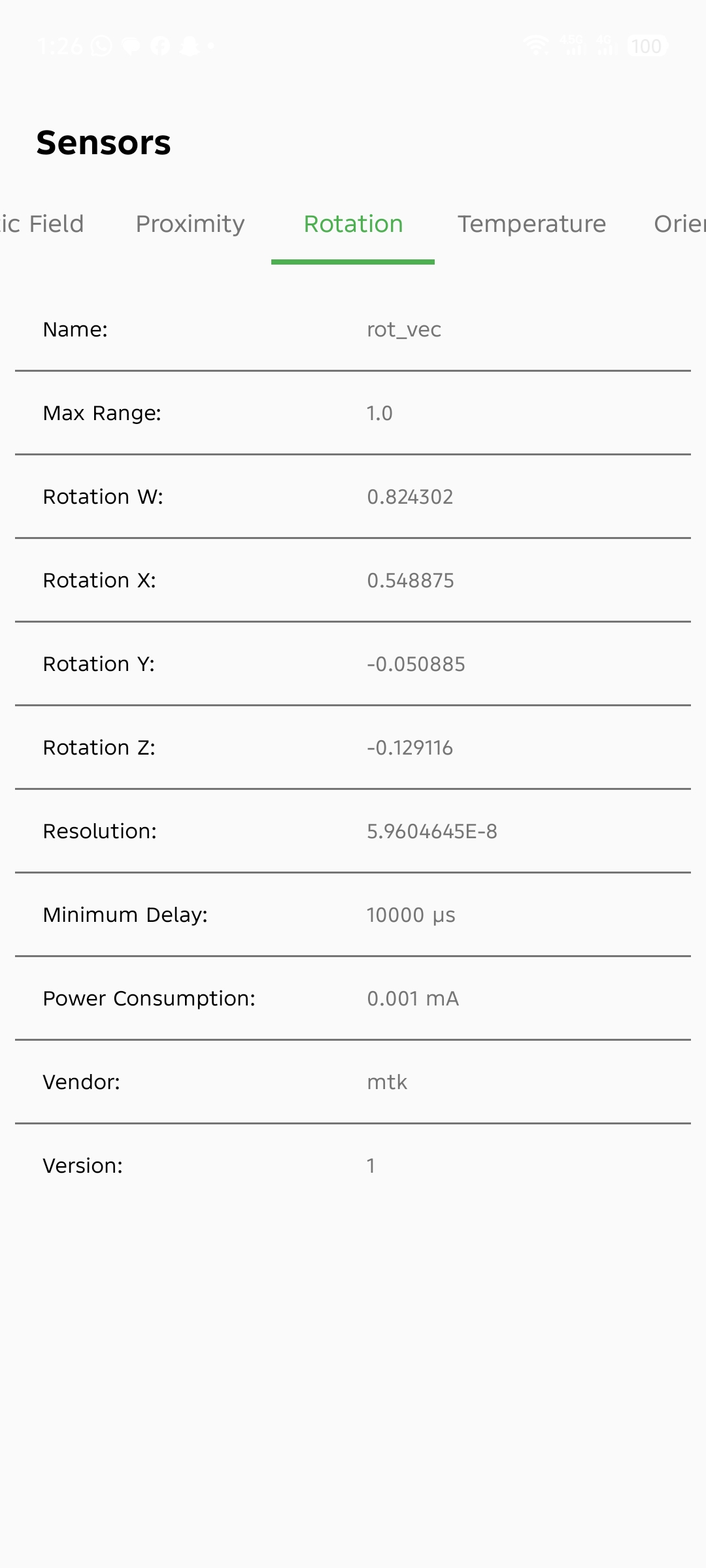
- Temperature and sensor data tracking
- Deeper hardware diagnostics and system details
- UI refinements and performance optimizations
Our goal is to deliver one of the most dependable and feature-rich device information tools available on Android.
🙌 Feedback & Support
Your feedback plays an important role in shaping CPU A’s future. If you encounter any issues, have suggestions, or would like to request features, please leave a review or contact us directly.
⭐ Thank You for Using CPU A
We appreciate your trust in CPU A. Expect consistent updates, enhanced performance, and powerful new features in upcoming releases.
Ratings & Reviews >
Most Helpful Reviews


SunDownDeveloper
Passionate Android programmer building tools that matter.
Check out my tutorials and projects on YouTube.